
Unit 1 · Project 4Completed
Printable 1:1 Craft Stencil
This is the bridge between your digital work and the physical projects coming in Unit 2. You'll take your identity icon and prepare it as a full-scale (1:1) printable stencil — meaning it will print at the exact size you'll use it for cutting and tracing onto fabric. A good stencil has clean, closed shapes with enough material between cut areas to stay structurally sound. You'll also add registration marks and a scale reference so it prints correctly.
Objectives
- 1Export icon at true 1:1 scale (actual physical size you'll use)
- 2Convert design to solid black shapes on white background
- 3Add 0.25-inch border and registration marks
- 4Test print on regular paper and verify dimensions with a ruler
Materials
- Your identity icon vector file
- Adobe Illustrator or Canva
- Printer access
- Ruler for verification
Tips & Techniques
1Make sure all shapes are closed paths — open paths won't cut cleanly
2Avoid very thin bridges between shapes (less than 3mm) — they'll tear
3Print a test copy first before using your good cardstock
4Label your stencil with your name and the scale
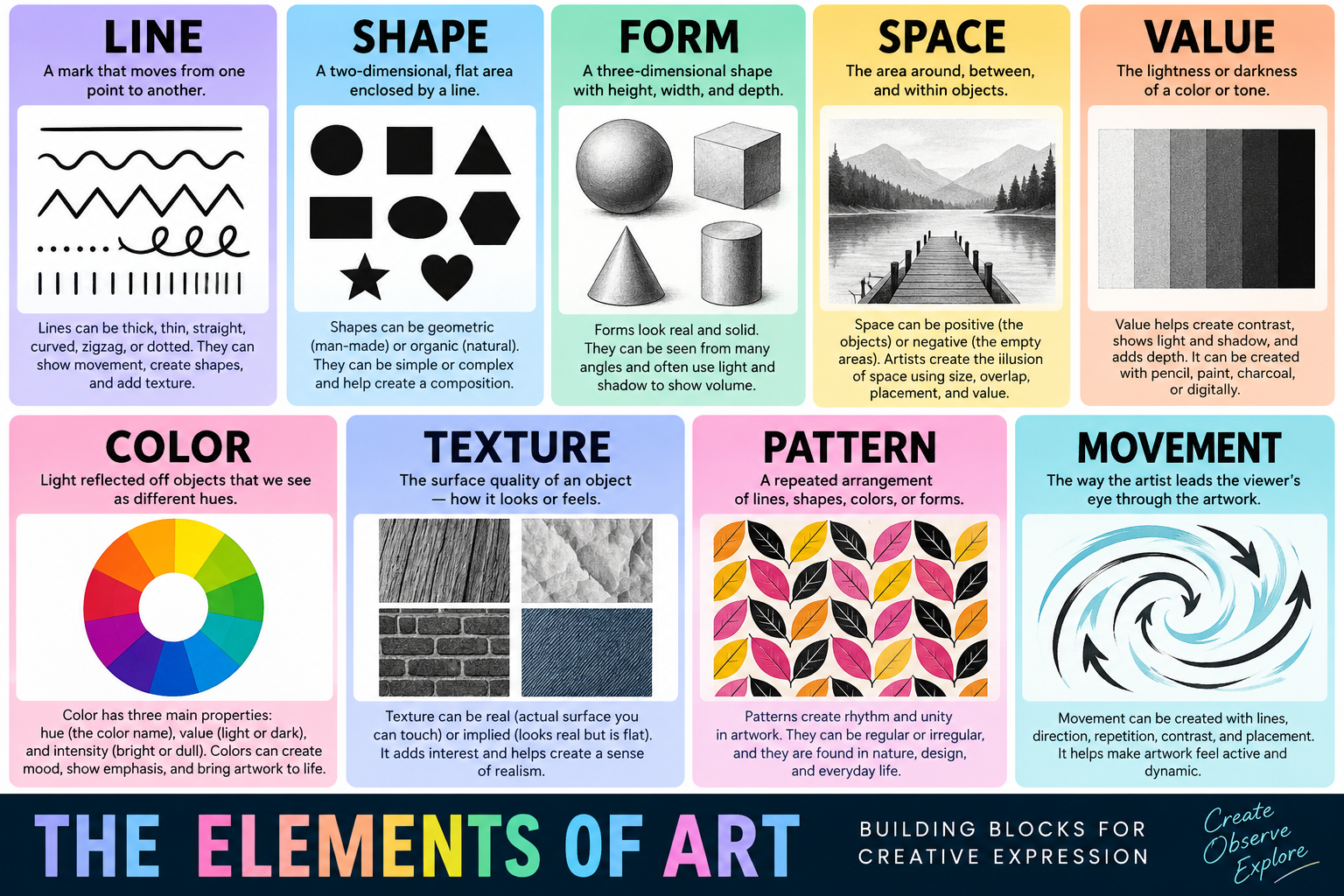
Reference: Elements of Art
Lesson Videos
Vector Design Basics
10 minGetting started with vector tools to create icons, patterns, and digital identity elements.